
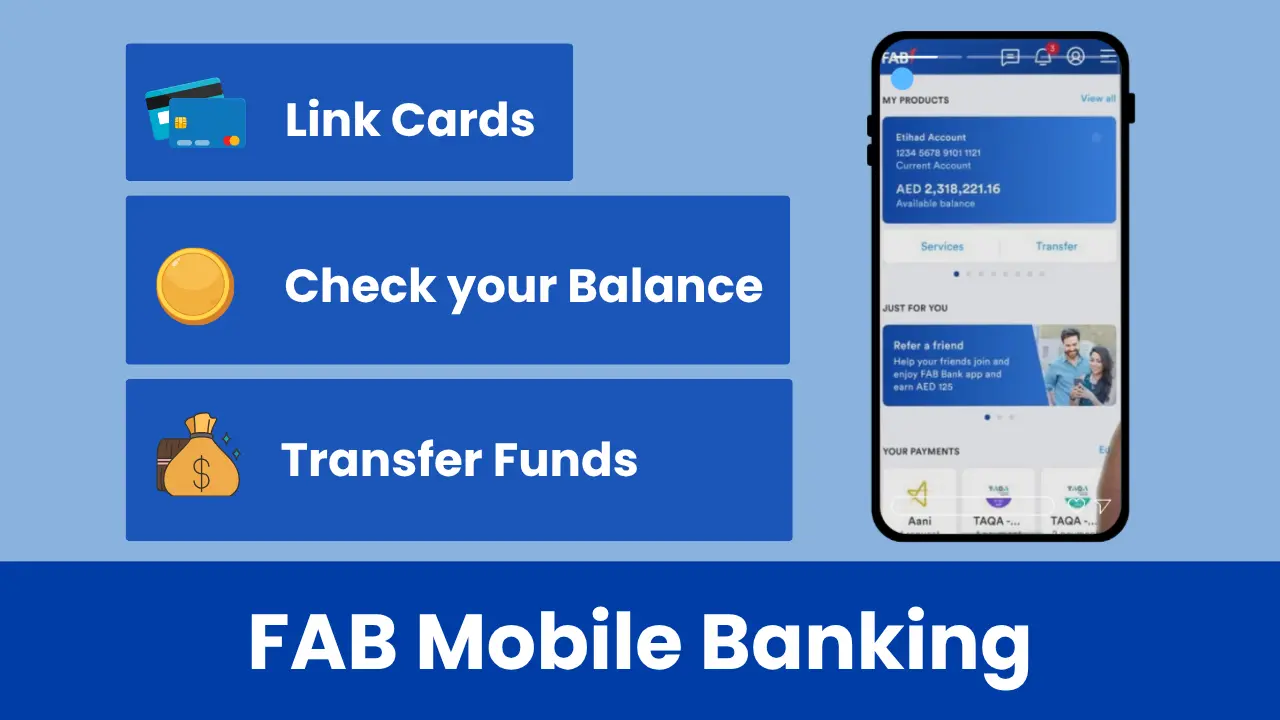
FAB Mobile Banking
FAB mobile banking, a type of FAB online banking, is an app-based interface designed for FAB customers to manage their daily banking tasks simply through their smartphones.
The app offered by First Abu Dhabi Bank is called “FAB Mobile”, which is available in both Arabic and English. Using this app, you can check your FAB balance, transfer money, pay bills & credit card loans, download statements, and do much more!
So, without any further ado, let’s start today’s latest and complete guide on FAB Mobile Banking.
Key Features Offered By FAB Mobile Banking
With FAB mobile banking, you get the following unique and user-need-based features:
Account Management Features
In terms of account management, using the FAB mobile app, you can:
- Perform your FAB balance inquiry.
- Check your transaction history and details.
- Download your transaction history.
- Set up your account statement frequency.
- Generate IBAN Number.
- Submit an account closure application.
- Download statements—be they stamped or normal.
- Enable e-statements.
- Ask for a chequebook and much more!
Debit and Credit Card Management
With the FAB Mobile app, when it comes to card management, you can
- Activate your credit or debit card.
- Cancel your cards.
- Block/unblock your cards.
- Freeze or unfreeze your cards.
- Reset your PIN.
- Connect your cards to Apple Pay.
- See your transaction details.
- Send your credit or debit card balance.
- Pay your credit payments.
- View your card balance.
App for a New Product
The app also allows you to apply for new FAB products, including Islamic credit cards, credit or debit cards, personal loans, savings accounts, and current accounts, among others.
Here we also have a dedicated guide on FAB Credit Cards.
FAB Exclusive Rewards
Download the FAB app and enjoy the following FAB rewards such as:
- Earn FAB rewards.
- Redeem your reward points for something useful.
- Earn through FAB Referral.
- Get rewards on Amazon shopping.
- Play games.
- Get discounts at selected retail shops.
Payment Management
The FAB mobile app’s payment management features include:
- You can easily pay your credit card or utility bills (such as SALIK, AADC, DEWA, Etisalat, du, etc.).
- You are allowed to activate automatic bill payments.
- You can send money to and from a FAB account.
- You can add or delete beneficiaries.
- You can send your money to other banks.
- You will be charged no fee if you transfer money (or remittance) to countries such as Pakistan, the Philippines, Sri Lanka, and India.
- You can send money to Europe (EU) and the UK in seconds.
- You can join IPOs (Initial Public Offerings).
- You can donate money and fulfil your Zakat obligations.
Savings and Loan Management
The mobile app provides you with the following savings and loan management features:
- You can always review your loan details.
- You are given the feature to create, delete, and modify iSave accounts.
- You can check out the lending or financial rates for loans.
- You have the facility to submit your Liability or Clearance Letter request.
- You can see the documents that you have signed, such as loans or CC.
Update your Personal Information in Bank Records
By using the FAB app, you can modify or update your:
- Passport details.
- Emirates ID details.
- Visa details.
- Mobile number.
- Email address.
- Home address.
- FATCA details.
- CRS declaration details.
Pay Zakat Instantly
By using the mobile app, you can also pay your Zakat within just a few clicks.
Recent Updates Rolled out by FAB in their FAB Mobile App
The following are the updates that FAB has recently made to its mobile application:
- Get Amazon and FAB Rewards: If you spend 1 AED per day on Amazon using the app, you will receive up to 10 FAB Rewards.
- Request for Stamped Statements: You do not need to go to a physical branch. Just open the FAB app and download your stamped statement under the
- International Currency Account: Now, with the help of the FAB app, you can create multi-currency accounts in the world’s major currencies, such as USD, GBP, and EUR. That too, without any paperwork.
- Auto-Debit Feature: You are given the Auto-Debit feature, which you can use for your credit card payments. You can choose the Auto-Debit option with a percentage between 5% and 100%.
How to Register With the FAB Mobile Banking App?
Step-by-step process to sign up with FAB Mobile Banking:
- Install the FAB smartphone app.
- Open the app.
- Click on the 3 lines menu located at the top left corner of the screen.
- Touch the “Register for FAB Mobile”
- Please mention your Emirates ID and proceed with the next instructions to complete the registration.
How do you log in to the FAB Mobile Banking App?
Steps:
- Open the App.
- Click on the “Login” button.
- Put your credentials to log in to the app.
How to Use the FAB Mobile Banking App?
Once you are logged into the First Abu Dhabi Bank app, start exploring different features such as:
- Home Screen: You will find your available balance, active account, and account number on your home screen.
- Transfers Tab: Use this tab to transfer money to and from a First Abu Dhabi Bank account.
- Cards Tab: This card tab enables you to manage various card-related features, including card blocking and activation.
- Rewards Tab: Here, you can see your earned rewards and can redeem them for something available.
- Payments Tab: The payment tab allows you to manage your payments.
- 3-Line Menu: Located in the top-left corner, the 3-line menu provides access to additional account management features, including profile editing and document uploading.
FAB Mobile Banking App Benefits for UAE and International Users
| For UAE Residents | For Foreigners |
|---|---|
| Get features to pay bills such as DEWA, Etisalat, du, etc. | Can manage accounts around the globe. |
| Instant FAB balance checking. | Can use the app in any country. |
| FAB Rewards earning opportunities. | No need to visit the FAB branch; just install the app and subscribe to the desired FAB product. |
| Instant approval on FAB products applies. | 24/7 customer support. |
| Verification through Emirates ID. | Can see their balance in real-time. |
| Quick cash service. | Can earn FAB Rewards and then redeem them. |
What cards does the Cards That FAB Mobile App
support?
The cards supported by the First Abu Dhabi Bank app are the following:
- FAB Travel Card
- FAB Rewards Indulge Card
- FAB Elite Credit Card
- Blue FAB Infinite Credit Card by Al-Futtaim
- Blue FAB Signature Credit Card by Al-Futtaim
- Blue FAB Platinum Credit Card by Al-Futtaim
- FAB SHARE Signature Credit Card
- FAB SHARE Platinum Credit Card
- FAB SHARE Standard Credit Card
- FAB Cashback Credit Card
- Etihad Guest Infinite Credit Card
- Etihad Guest Platinum Credit Card
- Etihad Guest Signature Credit Card
- GEMS World Credit Card
- du Titanium Credit Card
- Manchester City Titanium Credit Card
How to Transfer Money From FAB to FAB through the FAB Mobile?
How Can You Change your Registered Email or Mobile number on FAB Mobile?
Steps:
- Log in to the app.
- Click on the menu present at the top-right corner of the screen.
- Touch the “Edit Profile”.
- Select the “Personal Details” option.
- You can update your number or email here.
How can you update your account documents via the FAB Mobile App if they have expired?
Steps:
- Tap the main menu button, located in the top-right corner of the mobile screen.
- Click on “Edit Profile”.
- Select the “Documents” tab.
- Select your desired document and update it here.
Note: Please allow 3-4 working days for document processing. So please be patient.
FAB Mobile Banking FAQs: Frequently Asked Questions
Does FAB charge any fee to use FAB Mobile Banking?
Not fully, but on some services, FAB does charge a specific fee. Also, some services are entirely free to use.
If I lost my mobile phone, what step should I take?
You should immediately contact FAB Customer Support at 600525500 (for UAE people) or +97126811511 (for foreigners), in case you lose or someone steals your phone.
Can I apply for Personal loans through the FAB Mobile App?
Yes, you can apply for the loans using the FAB app.
Does the FAB App Support Multiple Accounts?
Yes, you are allowed to install and register with the app on a maximum of 3 devices.
Is the FAB Mobile Application Safe to Use?
Yes, it is safe to use. Most importantly, the app also allows you to set up some advanced security features, such as Biometric login and Two-Factor Authentication (2FA).
What is FAB Mobile?
FAB Mobile is an app that allows FAB customers to manage their daily banking tasks.
How can someone get the FAB Mobile App?
You can visit the Google Play Store, Apple’s App Store, or Huawei App Gallery to get the First Abu Dhabi Mobile Application.
If someone already has an account with FAB Online Banking, Will they still need to register with the FAB App?
Yes, to use the First Abu Dhabi Bank app, you have to first register with it, even if you already have an account with the bank.
How can someone unlock their FAB Mobile App?
To unlock your First Abu Dhabi Bank app, visit the app’s login page, tap the “Forget PIN” option, and then follow the on-screen prompts to complete the app unlock process.
Does FAB Mobile also work outside of the UAE?
Yes, FAB also works outside of the UAE (United Arab Emirates).
What should I do if I get a System Maintenance Error on my FAB App?
In the event of a system maintenance error, please update the app first. Wait for some time, and then open the app. If the issue is not unresolved, please contact the FAB customer care team.
Does the FAB App support temporarily blocking credit cards?
Yes, the app also supports the temporary blocking of credit cards. To do so:
- Click on the “Cards” option, which is fixed at the bottom of the screen.
- Choose your Card.
- Now, select the “Freeze Card” option to block your card temporarily.
How can I block my Credit card through the FAB Smartphone App if I have lost it?
Yes, the app does allow you to block your credit card and then request a replacement card. To do so, go to the cards tab and choose the “Block and Replace” option.